
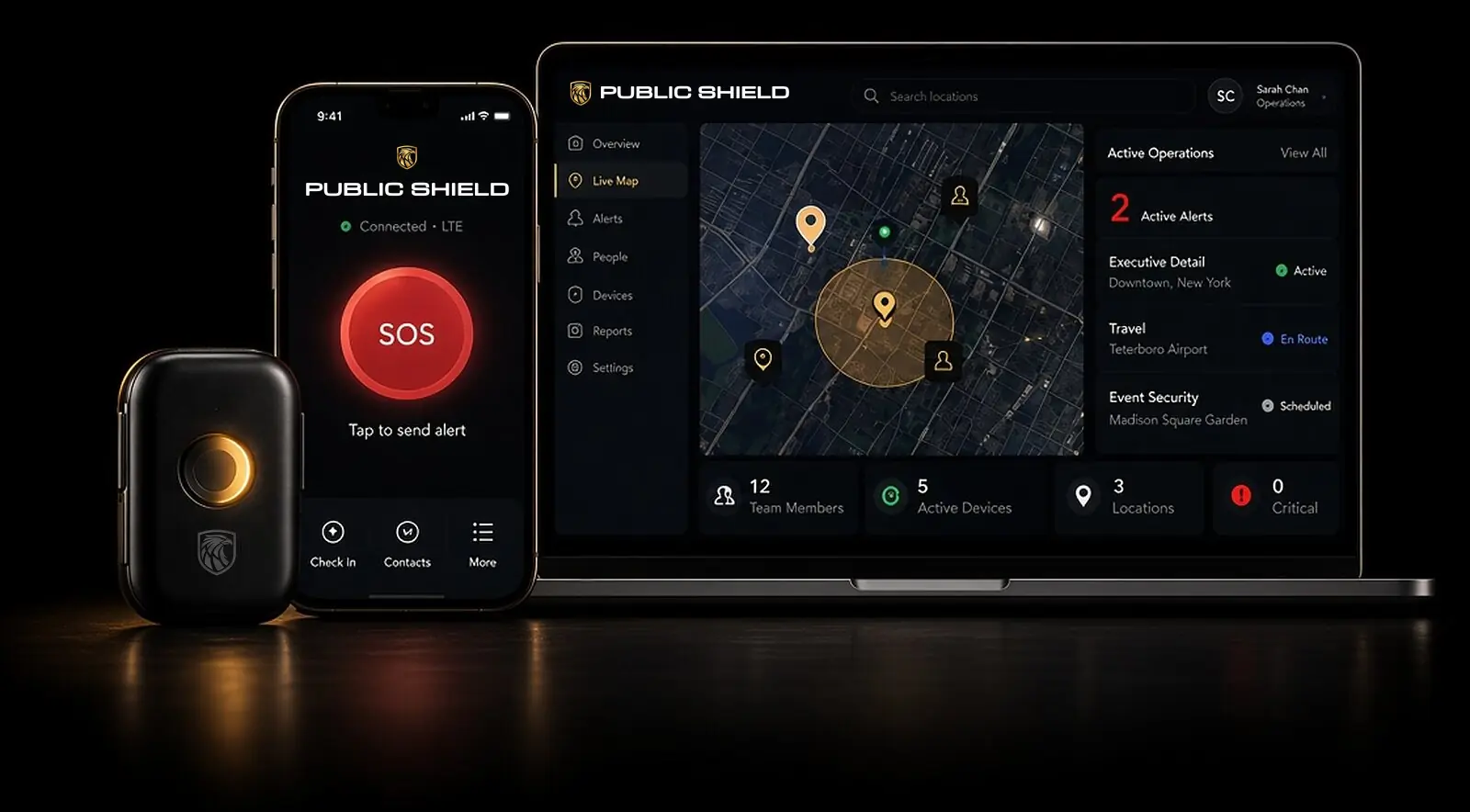
Secure Command Portal
One live picturefor your entire security operation.
The Public Shield Command Portal gives security directors, chiefs of staff, and protection details a secure web view of active alerts, device health, and movement history, with a direct line to law enforcement and our protection officers.
Built for Security Teams
Stop coordinating a crisis over group texts.
When an alert is raised, everyone responsible for a principal needs the same facts at the same time. Scattered calls and messages cost precious minutes and create confusion.
The Command Portal puts your team and our monitoring center on one live picture: who raised the alert, where they are, where they've been, and who is responding. It runs securely in a web browser, with nothing to install.
Key Capabilities
Command-level visibility.
Active Alerts
See every live alert across your principals and family members as it happens.
Live Map & Breadcrumbs
Follow live location and movement history on a single map.
Device Health
Spot devices that need attention before they become a gap in coverage.
Direct Line to Responders
Reach law enforcement and our protection officers from the same screen.
Team Coordination
Your detail, chief of staff, and our operators share one picture.
Secure Web Access
Authorized users sign in from a modern browser. No software to install.
How It Works
From first alert to full command.
Step 01
Alert
An alert from an LTE button or the Black app appears on the portal in real time.
Step 02
Assess
Your team sees live location, breadcrumbs, and device status alongside our operators.
Step 03
Coordinate
Connect with law enforcement and protection officers from one screen.
Step 04
Review
Movement history helps your team understand what happened and strengthen protocols.
Who It's For
Made for the people behind the principal.
Corporate Security Directors
Oversee executive protection across leadership, travel, and events from one view.
Chiefs of Staff
Know your principal is covered without interrupting their day.
Family Offices & Private Details
Coordinate protection for every family member from a single, secure dashboard.
Questions
Frequently asked questions.
- Who is the Command Portal for?
- Security directors, chiefs of staff, detail leaders, and family office teams responsible for one or more protected people.
- Do I need to install anything?
- No. The portal is web-based, and authorized users sign in securely from a browser.
- Does the portal replace the monitoring center?
- No. Our 24/7 monitoring center handles every alert. The portal gives your team the same live picture so you can act together.

Go further. SAFER.
See your security operation clearly.
Request a confidential briefing to learn how the Command Portal fits your team's protocols.